












OBD-II Scanner vs Professional OEM Repair Data: What's the Real Difference?
Consumer OBD-II scanners and professional OEM repair databases are not the same tool. This guide explains the critical differences and why workshops need both.
The Myth of the "Magic Code Reader"
Walk into any motor factors shop and you will find a shelf of Bluetooth OBD-II adapters for £12–£85 that promise to "diagnose any car fault". The internet is full of videos showing people plugging in these dongles and reading codes in 30 seconds.
Here is the truth: reading a fault code is the beginning of diagnostics, not the end. A code tells you which circuit or system the ECM was monitoring when it detected an out-of-range value. It does not tell you which specific component failed, whether the wiring is intact, or which of six possible causes is actually responsible.
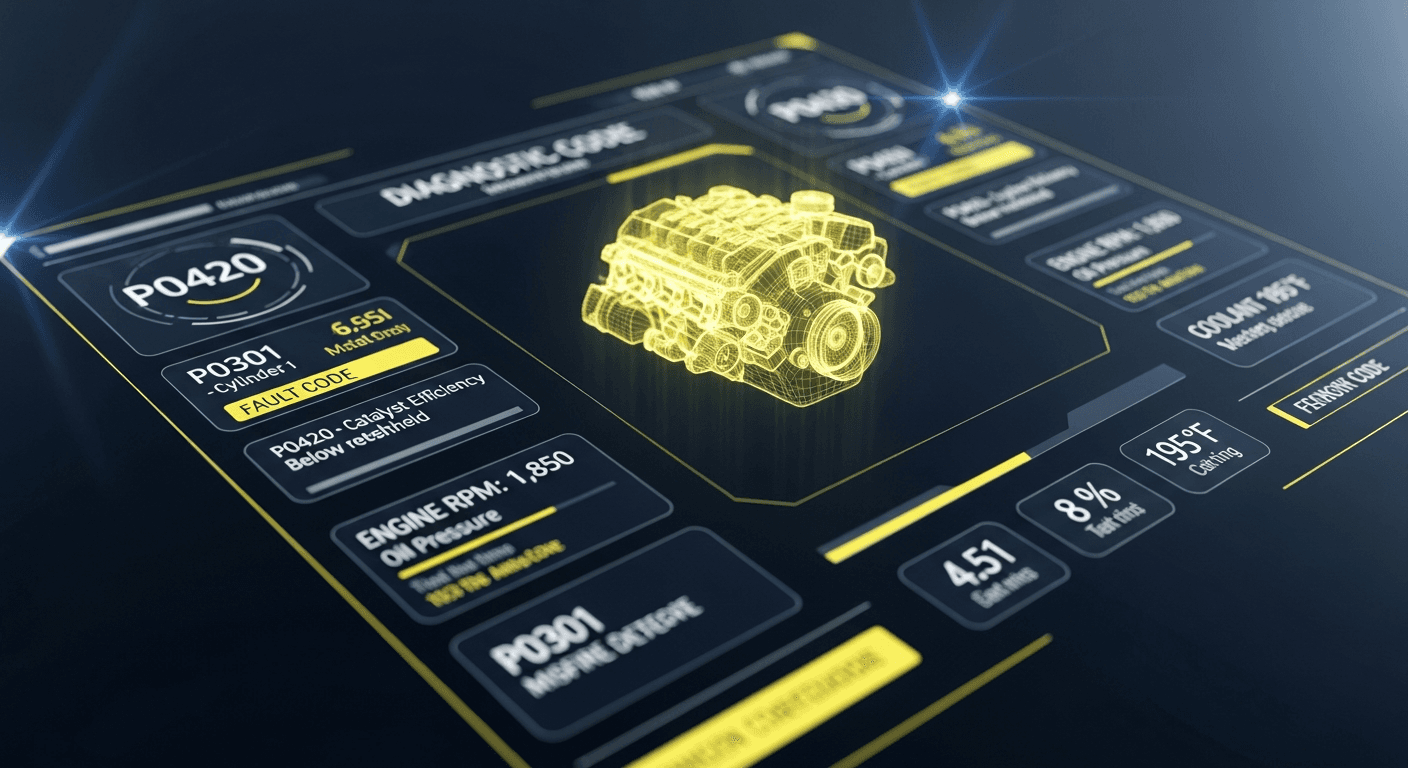
A P0420 code (Catalyst Efficiency Below Threshold) can be caused by a failed catalytic converter, a failing oxygen sensor, an exhaust leak, an engine misfire, or even a contaminated fuel injector. An OBD-II reader gives you the code. OEM repair data gives you the diagnostic procedure that finds the actual fault.
What a Consumer OBD-II Scanner Actually Gives You
Consumer OBD-II scanners — from £12 Bluetooth dongles to £500 branded scan tools — provide access to:
- Generic OBD-II fault codes (P0xxx, B0xxx, C0xxx, U0xxx where the 0 as second digit = generic)
- Freeze frame data (sensor values at the moment the fault code was set)
- Live data PIDs (real-time sensor readouts) — oxygen sensor voltages, MAF values, coolant temperature, etc.
- I/M readiness monitors — pass/fail status for emissions test preparation
- Basic actuator tests — on some tools, ability to command certain components on/off
This is genuinely useful information. Live data from an oxygen sensor, for example, can immediately distinguish an upstream sensor fault from a downstream catalyst efficiency fault.
What OEM Repair Data Gives You That a Scanner Cannot
Professional OEM data platforms add a fundamentally different layer of intelligence on top of the raw codes:
1. Manufacturer-Specific Codes (Enhanced PIDs)
Vehicle manufacturers reserve the entire P1xxx, P2xxx, B1xxx, B2xxx space for proprietary fault codes. A consumer scanner may not recognise these codes, or may display them without description. OEM data provides:
- The exact manufacturer description
- The specific circuit or component being monitored
- Whether the fault is for a specific market variant of the vehicle
2. Guided Diagnostic Procedures
This is the most important distinction. An OEM diagnostic procedure for P0420 tells you exactly:
- Check for exhaust leaks upstream of the O2 sensor
- Verify downstream O2 sensor is generating the correct waveform on a scope
- Run the catalyst efficiency monitor and compare to manufacturer threshold
- If threshold not met, check for pending misfires or fuel trim issues before condemning the catalyst
Without this guidance, a technician might directly replace the catalytic converter (£400–£2,000 part cost) only to find the fault recurs because the root cause was a leaking injector.
3. Wiring Diagrams for the Fault Circuit
An OBD-II code tells you a circuit is faulty. OEM data shows you every wire, connector, splice, ground, and relay in that circuit — so you can physically locate and test each element.
4. Technical Service Bulletins (TSBs)
TSBs are manufacturer-issued notices documenting known widespread faults with prescribed repair procedures. For a code-specific fault, TSBs can change the entire diagnostic direction. A P0011 on a specific Hyundai engine, for example, has a TSB prescribing a software update rather than mechanical repair — a fact that no scanner can tell you.
The Professional Technician's Tool Stack
A properly equipped workshop uses both tool categories:
| Tool | Best Use | |---|---| | OBD-II scanner (all-system) | Initial code sweep, live data observation, actuator tests | | OEM repair data platform | Diagnostic guidance, wiring diagrams, TSBs, service procedures | | Digital multimeter | Voltage, resistance, continuity testing | | Oscilloscope | Signal waveform analysis (injectors, O2 sensors, CAN bus) |
The scanner identifies the area. The OEM platform explains how to find the root cause. The multimeter and oscilloscope confirm it with measurable evidence.
Choosing the Right Tools
OBD-II Scanners
For professional use, we recommend full-system scanners that can read manufacturer-specific codes (not just generic OBD-II codes):
- Autel MaxiSys — excellent range, good ADAS support
- Launch X431 — strong coverage of Chinese and Korean makes
- Snap-on Zeus — premium build quality with SureTrack integration (Mitchell1 data bundled)
Note: The data subscription included with branded tools is typically limited. For full diagnostic depth, a separate OEM data subscription is still recommended.
OEM Data Platforms
Auto Fix Data bundles all five major platforms at the cost of a single subscription:
- ALLDATA — OEM repair procedures and electrical diagrams
- AutoData — European service data and ADAS procedures
- Mitchell1 ProDemand — Diagnostic flowcharts and community fixes
- HaynesPro — Colour wiring diagrams and international coverage
- Identifix — Real-world confirmed repair data
External Resources
- OBD-II Standards — SAE J1979 — The standard that defines OBD-II
- ELM Electronics (ELM327 chip) — Origin of most consumer adapter chips
- NHTSA TSB Database — Free US TSB search by vehicle
Conclusion
A £25 OBD-II reader used with a professional data subscription is more powerful than a £2,000 standalone scanner used in isolation. The code is just an address; the OEM data is the map.
Start your 7-day free trial of Auto Fix Data and turn your existing scanner into a complete diagnostic system.
Access All 5 Repair Databases Now
Get ALLDATA, AutoData, HaynesPro, Mitchell1 & Identifix in one subscription. 7-day free trial.
Start Free Trial — No Credit CardRelated Articles
Identifix vs AllData: Which Is Better for Finding the Root Cause?
Identifix vs AllData in 2026: which platform diagnoses vehicle faults faster? We compare Direct-Hit confirmed fixes against AllData OEM procedures to find what your workshop actually needs.
Best Auto Repair Software for Small Independent Shops 2026
Discover the best auto repair software for small independent workshops in 2026. Compare features, pricing, and vehicle coverage to find the right OEM data subscription for your garage.
Who Owns ALLDATA? The AutoZone Connection and What It Means for Your Workshop
ALLDATA is owned by AutoZone — but what does that mean for data quality, pricing, and independence? A deep dive into ALLDATA Corporation's ownership and how it affects independent workshops.